How Garage Door Remotes and Keypads Actually Work
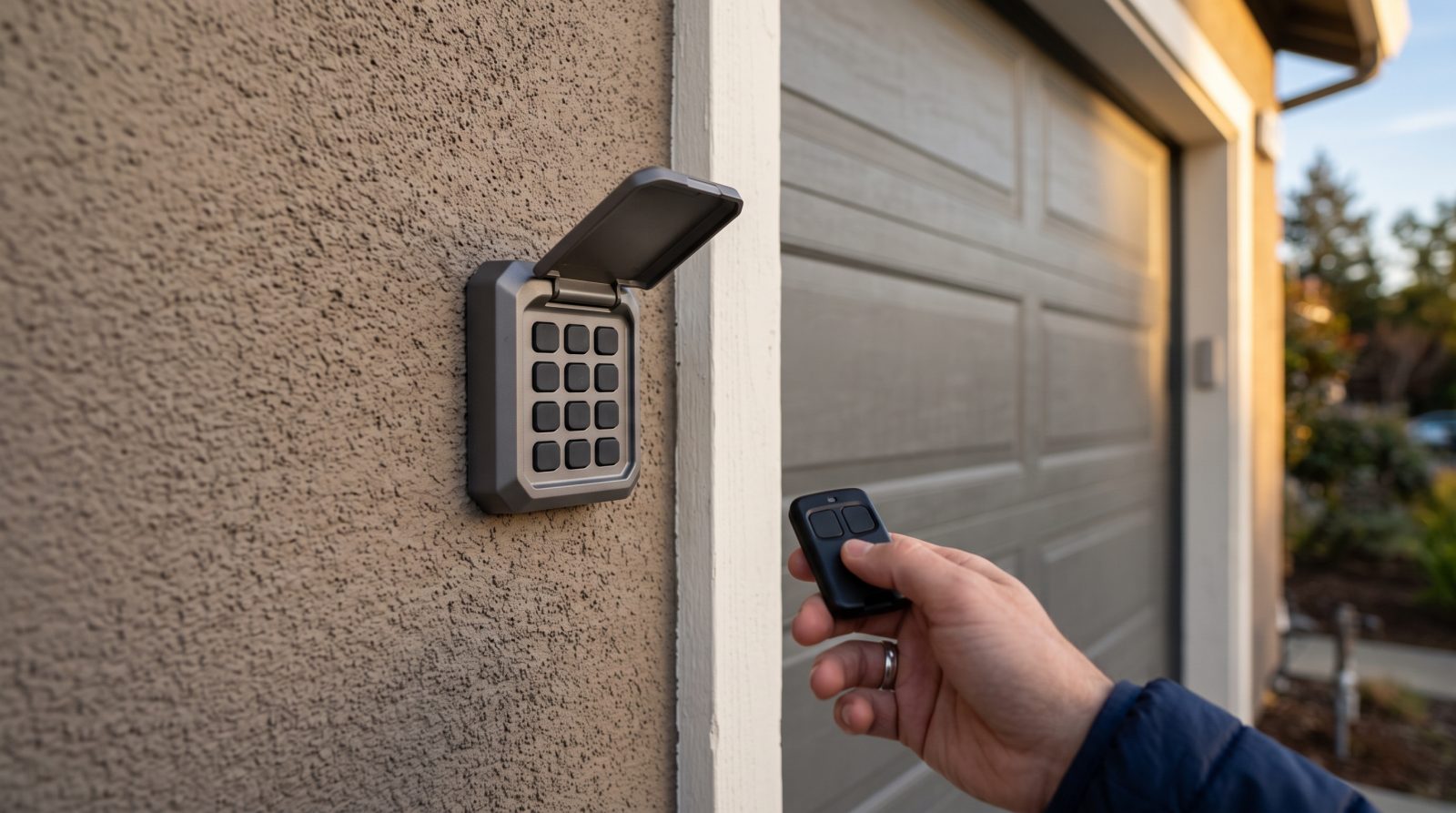
Modern openers and their controls communicate by radio frequency, and understanding the basics helps explain why things go wrong. When you press a remote button, it sends a coded radio signal to a receiver inside the opener's motor head. If the code matches one the opener recognizes, the logic board triggers the motor. Keypads work the same way — your PIN tells the keypad to transmit that same recognized code wirelessly to the opener.
Most openers made in the last couple of decades use rolling-code (sometimes called hopping-code) technology. Instead of sending the same fixed code every time, the remote and opener both advance through a synchronized sequence on each press, which is far more secure against code-grabbing. The trade-off is that rolling-code remotes occasionally fall out of sync — for example if buttons get pressed repeatedly out of range — and need to be re-paired. Older fixed-code systems use simple DIP switches instead, and those have their own quirks.
Knowing whether you have a rolling-code or fixed-code system, and which major opener family you own, drives every repair decision. Common families in Bay Area garages include LiftMaster, Chamberlain, Craftsman, Genie, Linear, and Marantec, and each has its own pairing procedure, learn-button color, and frequency. When we arrive, identifying the opener and its generation is the first thing we do, because the right fix for an older Genie is not the right fix for a current LiftMaster.
- Remote/keypad sends a coded radio signal; the opener's receiver acts only on codes it has learned
- Rolling-code systems change the code each press for security and can drift out of sync
- Fixed-code (DIP switch) systems are older and matched by physical switch positions
- The opener brand and generation determine the exact pairing and reset steps
Common Reasons a Remote or Keypad Stops Working
The single most frequent culprit is a dead or weak battery — in the remote, the keypad, or both. A weakening battery often produces intermittent behavior first: the door works from up close but not from down the block, or the keypad backlight is dim. Bay Area temperature swings, from foggy coastal mornings to hot inland afternoons in the East Bay and South Bay, can accelerate battery drain and make a marginal battery fail sooner.
Loss of programming is the next most common cause, and it spikes after power events. A blackout or brownout — not unusual during winter storms or grid strain in summer — can reset an opener's memory or knock remotes out of sync, leaving every remote and keypad suddenly seem dead even though nothing is broken. The same thing happens when a homeowner accidentally holds the learn button too long and wipes all paired devices.
Hardware wear is the third category. Outdoor keypads live in the elements, and over years the rubber button membrane cracks, moisture gets in, and individual digits stop registering — which is why a keypad will often accept some numbers but not others. Remotes suffer from worn contacts, cracked cases, and water damage from sitting in a cup holder or pocket. Finally, the problem sometimes isn't the control at all: misaligned or obstructed safety sensors, a disconnected antenna wire on the motor head, or radio interference from LED bulbs, smart-home gear, or nearby electronics can all block an otherwise healthy signal.
- Dead or weak batteries — the most common and easiest issue, often intermittent at first
- Lost programming after a power outage, surge, or accidental learn-button reset
- Worn keypad membranes (some digits work, others don't) and water-damaged remotes
- Interference from LED bulbs, smart devices, or a disconnected opener antenna
- Safety-sensor misalignment that mimics a dead remote by preventing the door from closing
What You Can Safely Try Before Calling
A few quick checks resolve a surprising share of remote and keypad complaints, and none of them require tools or any work near the spring system. Start with the battery: replace it with a fresh one of the correct type (most remotes use a small CR2032 or similar coin cell; keypads often use a 9V or AAAs). Even a battery that 'tested fine' can be too weak to transmit at range, so swap it before assuming the worst.
Next, confirm the door works from the wall button inside the garage. If the wall control opens and closes the door normally but remotes and the keypad don't, you've narrowed the problem to the wireless controls or their programming — not the motor, springs, or rollers. If even the wall button is dead, the issue is more likely power, the opener itself, or a safety lockout, and that's worth a professional look. Also glance at the safety sensors near the floor on each side of the door: if one light is off or blinking, gently realign them so both glow steadily, since a blocked sensor prevents closing and is easy to mistake for a remote fault.
If batteries and the wall button check out, you can attempt to reprogram a remote or keypad using your opener's learn procedure — the owner's manual or the brand's printed steps explain it. Be cautious here: holding the learn button too long can erase every paired device at once, and getting an outdoor keypad re-synced can be fiddly. If a reprogram doesn't take after a try or two, or you're unsure which steps apply to your model, stop and let a tech handle it so you don't accidentally wipe working remotes.
- Replace the battery first, with the correct coin-cell or alkaline type
- Test the wall button — if it works but remotes don't, the issue is wireless/programming
- Check that both floor-level safety sensor lights are steady, not off or blinking
- Attempt a careful reprogram per your opener's learn steps — but don't over-hold the learn button
Our Mobile Repair, Reprogramming, and Replacement Process
Because we bring the shop to you, there's no hauling an opener anywhere or waiting days for a slot. When you book, we come to your Bay Area home or business, identify the opener brand and generation, and run a quick diagnostic to separate a control problem from an opener or door problem. That step matters: it prevents paying to replace a remote when the real issue is a loose antenna wire or a sensor that needs realigning.
For programming issues, we re-pair your existing remotes and keypad to the opener, resync rolling codes after an outage, and set up any new devices you want — extra remotes, a fresh outdoor keypad, or a universal remote for a household with mixed brands. If a control is genuinely worn out, we replace it with a compatible unit and program it on the spot, then confirm it works from realistic distances, not just standing next to the door. We can also clean up common signal problems, like swapping in a non-interfering bulb or reseating the opener's antenna.
We work on the major systems found in the region — LiftMaster, Chamberlain, Craftsman, Genie, Linear, Marantec and more — for both rolling-code and older fixed-code units. Before we leave, we test every paired remote and the keypad, walk you through the PIN and any temporary-code features your keypad supports, and make sure the safety reversal is behaving. If you're a business with multiple users or a property manager juggling tenant access, we'll set the keypad up so codes are easy to manage.
- On-site diagnosis that separates a control issue from an opener or door issue
- Reprogramming, rolling-code resync, and pairing of remotes, keypads, and universal remotes
- Replacement of worn remotes and weatherworn keypads with compatible units, programmed on-site
- Range testing, interference cleanup, and a safety-reversal check before we finish
- Support for LiftMaster, Chamberlain, Craftsman, Genie, Linear, Marantec, and other common brands
What Remote and Keypad Service Typically Costs
Pricing for remote and keypad work depends on what's actually wrong, the brand and age of your opener, and whether you need repair, reprogramming, or new hardware — so the figures below are typical industry estimate ranges, not a fixed quote, and they vary by region, parts, and scope. The most accurate number always comes from a quick look at your setup.
As a rough guide, a service visit to diagnose and reprogram existing remotes or a keypad tends to be the most affordable outcome, since it's mostly labor and no major parts. A replacement remote is usually a modest part cost plus programming; a new outdoor keypad is typically a bit more, given the weather-rated hardware. Universal remotes that cover mixed-brand households generally fall in a similar range. If the diagnosis turns up a related issue — a failing logic board, a bad receiver, or sensor problems — that's a separate repair we'd price and explain before doing any work.
We give you the estimate before we start. If you're weighing whether to repair an old remote or just replace it, we'll tell you honestly which makes more sense for your opener's age and the parts available for it.
- Diagnosis + reprogramming of existing controls: typically the lowest-cost outcome (mostly labor)
- Replacement remote: modest part cost plus on-site programming
- New weather-rated outdoor keypad: usually a bit higher due to the hardware
- Universal/multi-brand remotes: similar to a standard replacement, estimated up front
- Any related opener-board or sensor repair is quoted separately before work begins